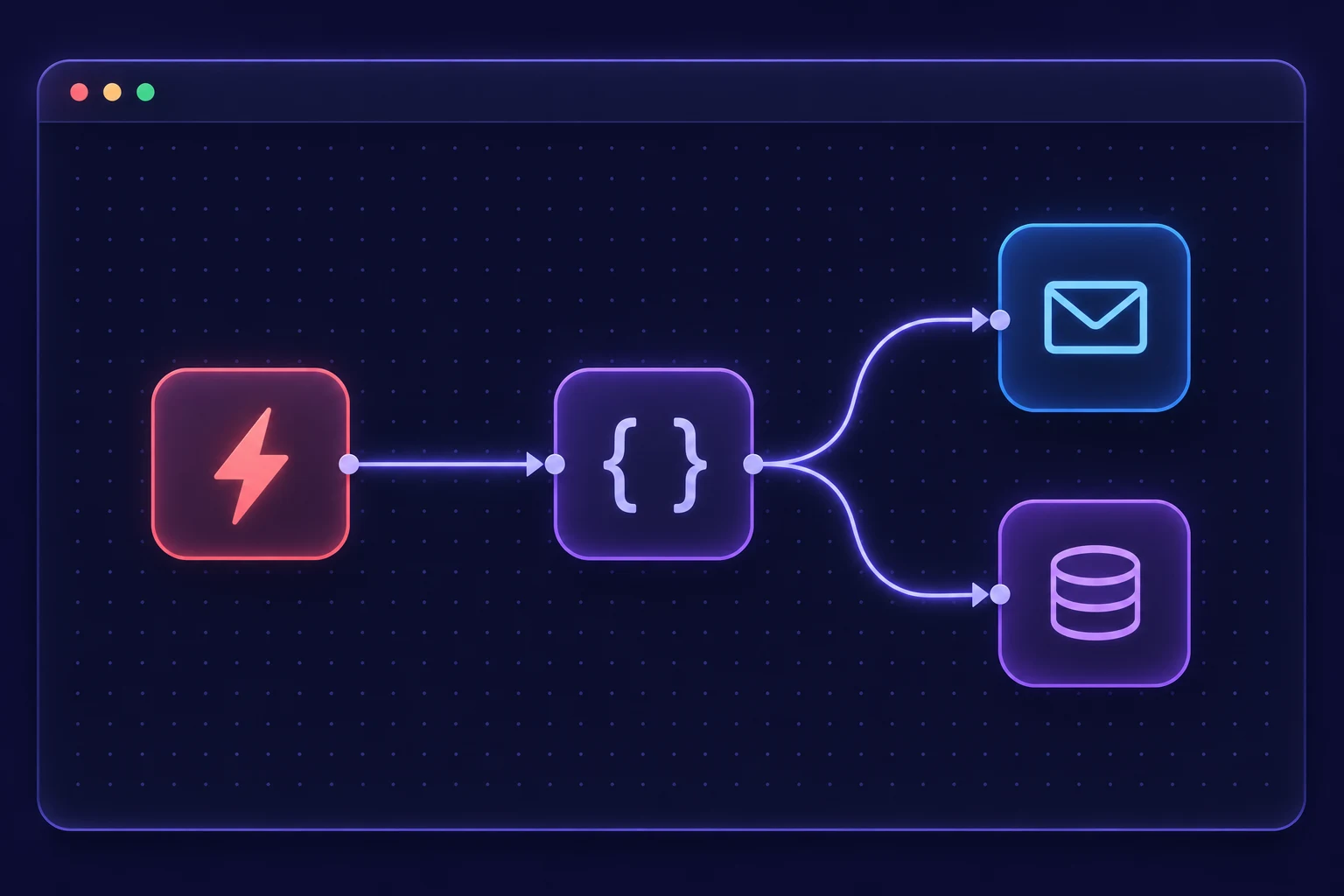
Route inbound requests
Take a form submission or webhook, validate the payload and send it to the right team.

SELF-HOSTED n8n · BANGLADESH
Build n8n workflows on your own VPS. Route webhooks, sync records and send updates without moving the same data by hand.
N8N HOSTING
Compare resources, choose your billing cycle, and start with the plan that fits.
| Plan | CPU | Memory | Storage | Traffic | Price | Order |
|---|
No plans match this view. Talk to our team →
WORKFLOW EXAMPLES
Take a form submission or webhook, validate the payload and send it to the right team.
Move updates between a CRM, spreadsheet and database using their APIs.
Collect data on a schedule, format the results and deliver them by email or chat.
FROM SERVER TO FIRST WORKFLOW
Choose memory and CPU for the workflows you expect to run. Confirm installation options before ordering.
Set up the instance with Docker, persistent storage and an HTTPS domain. Create the owner account on first login.
Add credentials in n8n, test with sample data and activate the workflow when its output is correct.
Consider concurrent runs, payload sizes and any database you plan to host on the same server. Share those details with our team if you need help sizing a plan.
Export workflows from the existing instance and test the import on the new one. Plan separately for credentials, webhook URLs and execution history.
Confirm the management scope before ordering. For a self-managed installation, plan for updates and backups of persistent data, configuration and the encryption key.
YOUR NEXT AUTOMATION